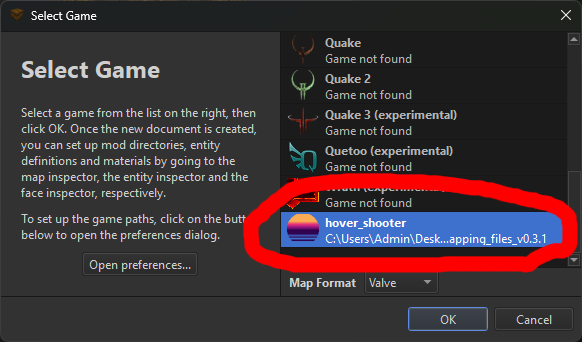
How to Install the Hover Shooter Map Editor
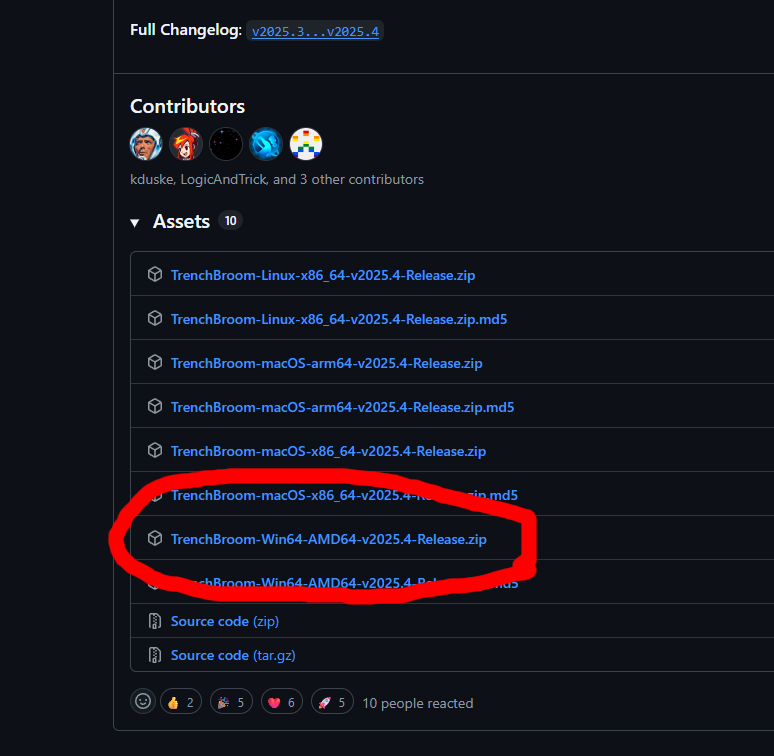
Step 1:
Download TrenchBroom-[OS]-2025.4-Release.zip
Step 2:
Download the Hover Shooter mapping files for your version of the game
[Download link]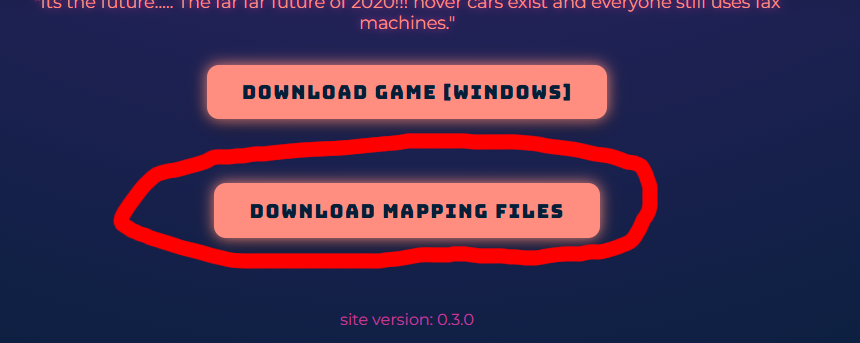
Step 3:
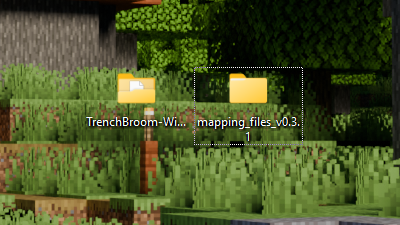
Extract TrenchBroom-[OS]-2025.4-Release.zip and the mapping_files_[VERSION NUMBER].zip,
then place them somewhere easy to find (like the Desktop).
Step 4:
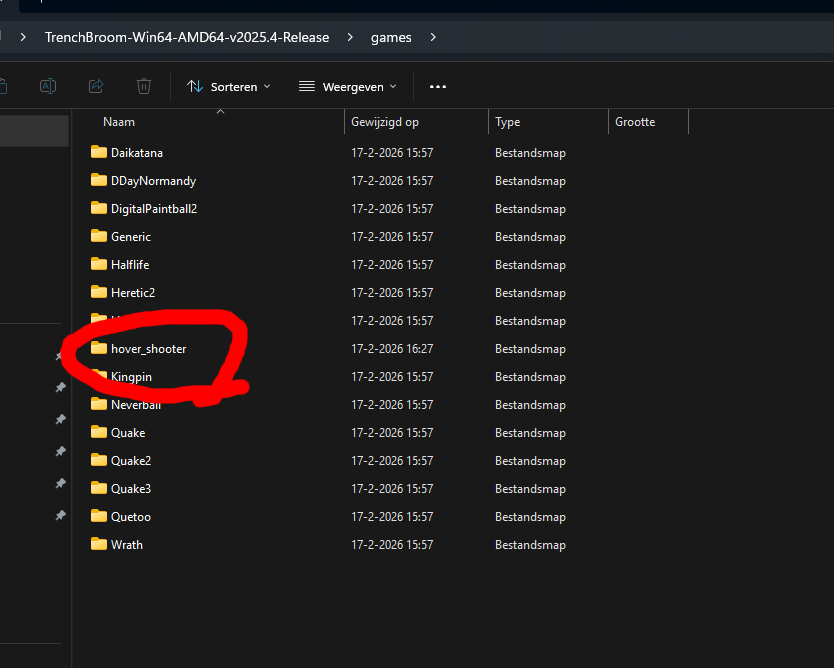
Move the folder named hover_shooter that is in the folder named mapping_files_[VERSION NUMBER] to the folder named TrenchBroom-[OS]-2025.4-Release\games
Step 5:
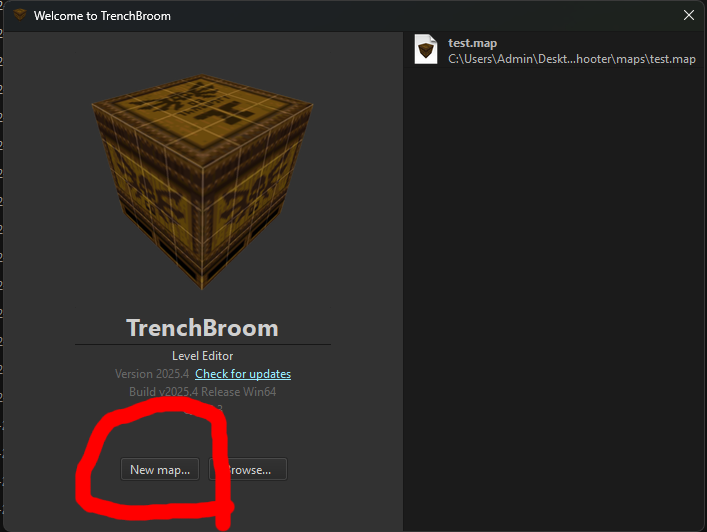
Open TrenchBroom and select New Map
Step 6:
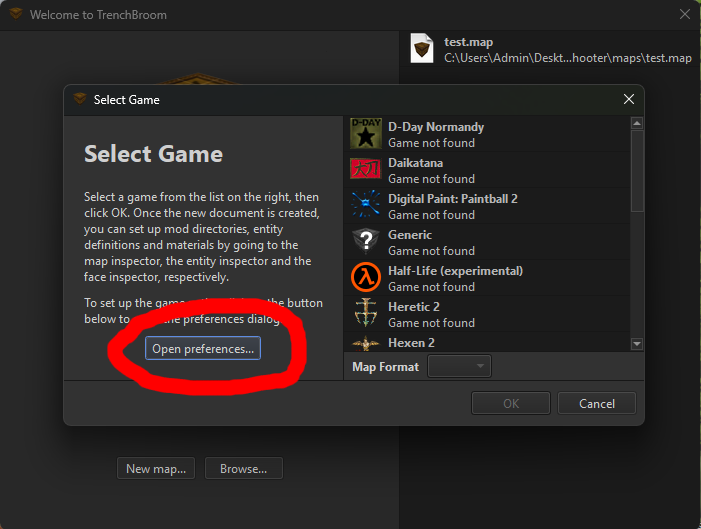
Click on Open Preferences...
Step 7:
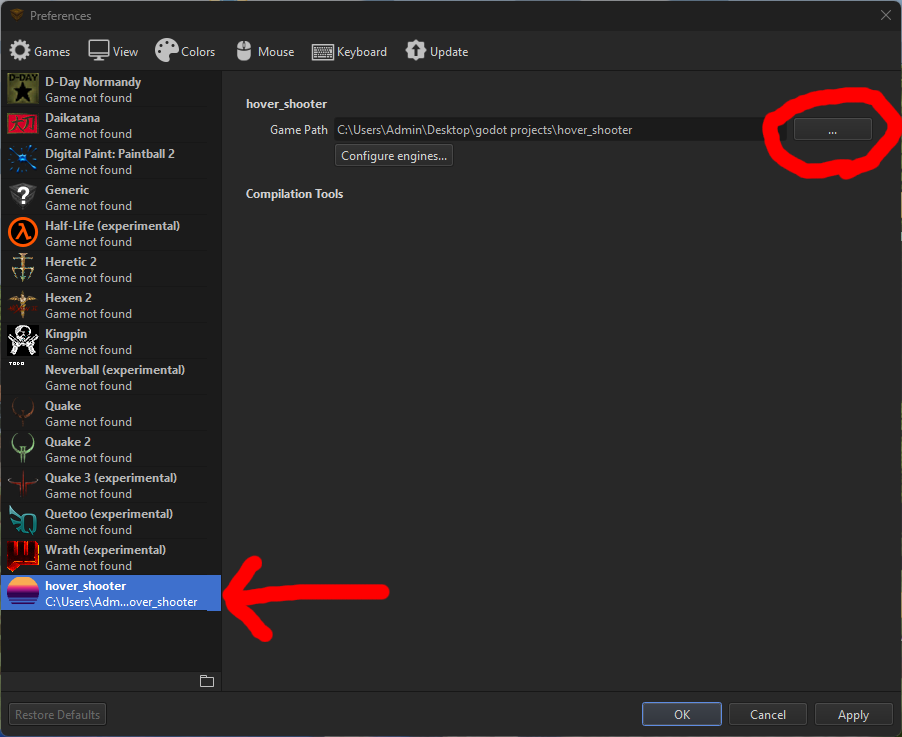
Go to hover_shooter and click on the button next to Game Path ...
Step 8:
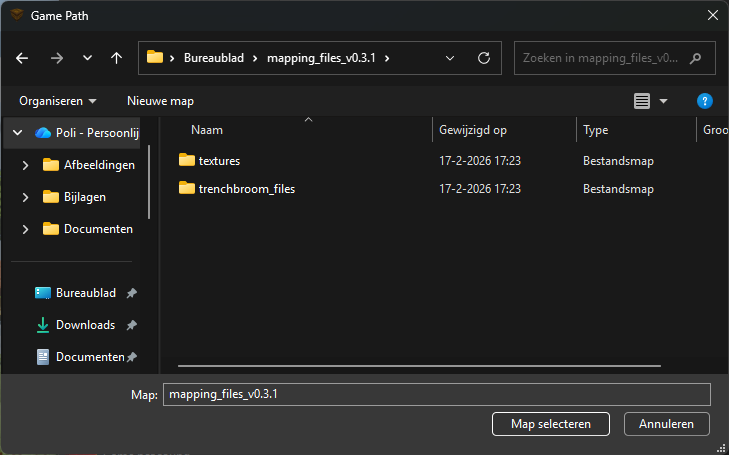
Select the mapping_files_[VERSION NUMBER] folder
Step 9:
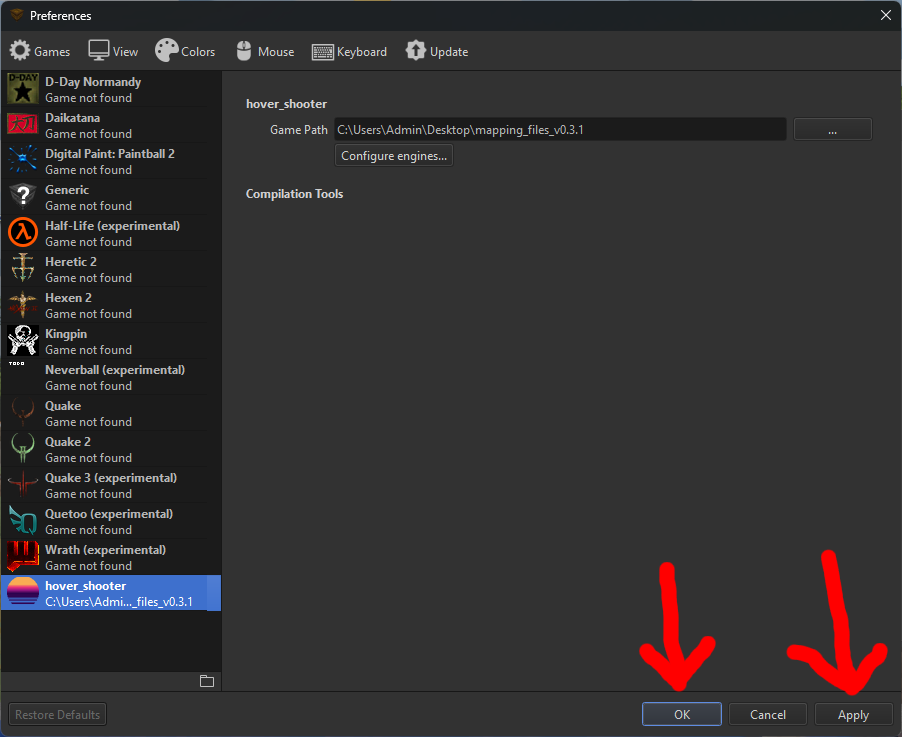
Press Apply and then OK
Step 10:
Double-click hover_shooter